Meet Online Upload Limits
Reduce image size for application forms, school portals, profile pages, and services that accept images only below a stated KB limit.
Reduce image size to a specific KB target and export a ready-to-share WebP, AVIF, or JPG file.
Explore more tools for your next task.
Resize images to exact pixel dimensions, a percentage, or common social media presets.
Instantly isolate subjects and remove busy backgrounds with one-click precision.
Remove image backgrounds for free with unlimited use and local processing. No signup or watermarks.
Split images into equal rows and columns for social grids, carousels, puzzles, and more.
Batch convert JPG, PNG, WebP, AVIF, HEIC, and other images, with optional resizing.
Reduce MB-sized images to a KB target with compression and optional image resizing.
The imglab Image Compressor is a free online image size reducer that helps photos and graphics fit a specific file-size limit. Choose a ready-made target such as 50KB, 100KB, 200KB, 300KB, or 500KB, or enter a custom target up to 10,000KB. The tool reduces file size through compression and lets you keep the original dimensions or choose a smaller image size when needed. It is useful when a form, website, marketplace, or messaging service rejects an image because the file is too large. Your image is processed locally in your browser and is not sent to an imglab server.
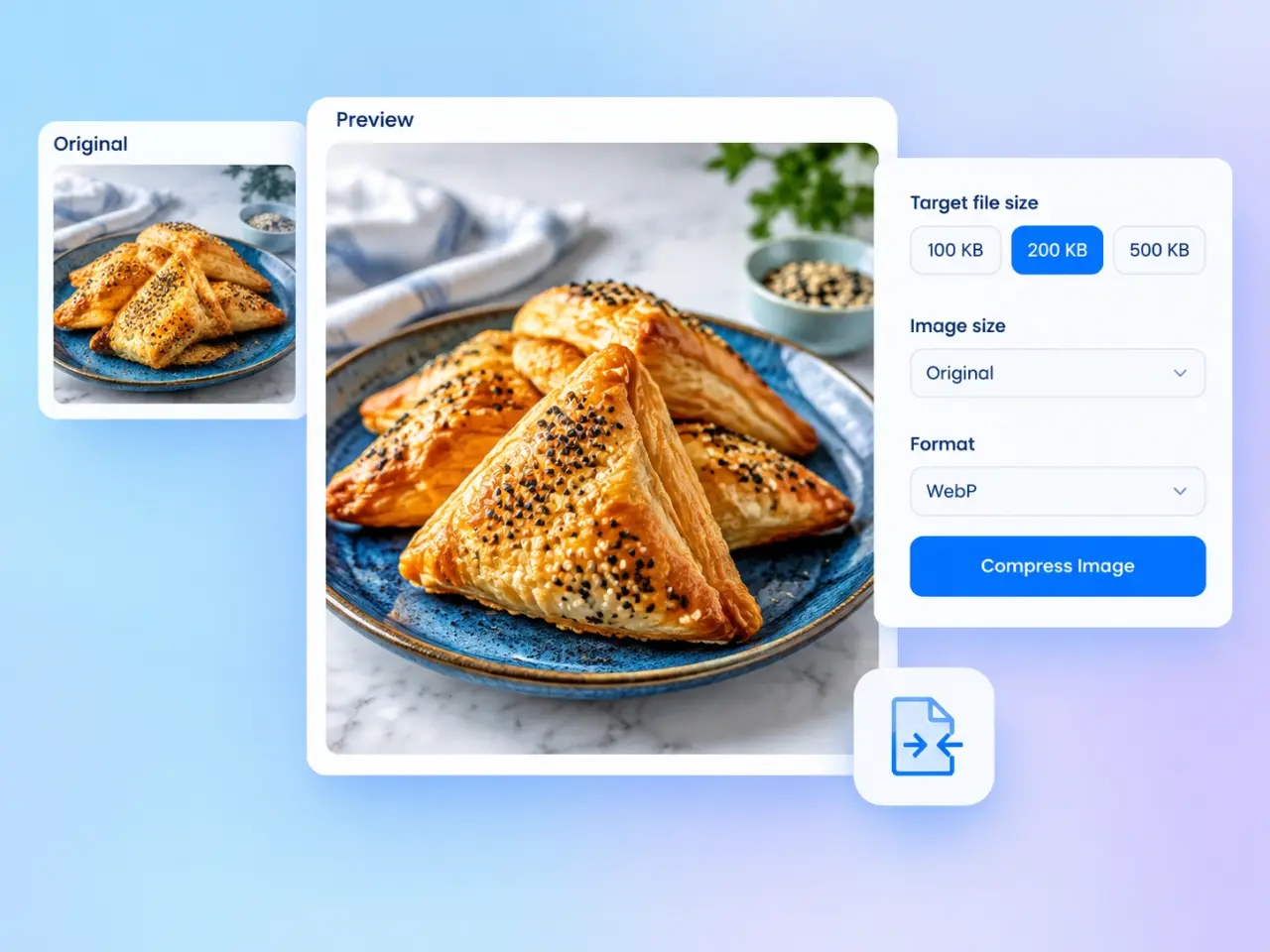
Choose a photo or graphic from your device, drag it into the upload area, or start with a sample image.
Select 50KB, 100KB, 200KB, or 500KB. Choose Custom when you need another target from 1 to 10,000KB.
Keep the original dimensions, choose a smaller preset, or set a custom percentage when compression alone cannot reach a small KB target.
Use WebP or AVIF for efficient modern images, or JPG for broad compatibility. Compress the image, review the result, and download it when it meets your needs.
Reduce image size for application forms, school portals, profile pages, and services that accept images only below a stated KB limit.
Create lighter product photos, article images, and visual assets that use less bandwidth and are quicker for visitors to download.
Use the photo compressor to make camera images easier to attach, share, and store without changing their pixel dimensions.
Save the compressed result as WebP, AVIF, or JPG, making it easy to choose the format that suits your destination and size goal.
Choose a specific KB goal and let the image file size reducer find a practical result, rather than repeatedly adjusting a quality slider yourself.
If the target cannot be reached at a reasonable quality level, the tool explains the tradeoff and recommends reducing the image dimensions first.
Selected images are compressed locally in your browser and are not uploaded to an imglab server, keeping the workflow private and immediate.
Check the compressed image, output size, format, and quality before saving it. No imglab watermark or account is required.
Choose the largest target that satisfies the service you are uploading to; a little extra file-size allowance usually preserves more detail. WebP often provides a smaller result for web use, while JPG remains a practical choice for photographs shared with older apps. Very large pixel dimensions can keep a file above a small target even after stronger compression. If the tool warns that 50% quality is not enough, choose a smaller Image size setting and compress again. Always inspect fine text, faces, gradients, and product details in the result preview before download.
The compressor aims to produce a file at or below your selected target. The final size may be lower because image encoders produce discrete results and every photo has different colors, detail, and complexity.
The tool stops after reaching 50% quality and shows the smallest result it can create within the quality limit. It then recommends reducing the image dimensions before trying again, because stronger compression could seriously damage clarity.
Choose WebP or AVIF when you want an efficient modern format for websites and supported apps. Choose JPG when the image needs to work with a broad range of older websites, devices, or document workflows. JPG results use a white background where the original image was transparent.
By default, the tool keeps the original width and height while reducing encoded file size. You can also select a smaller Image size percentage, which scales the full image proportionally and helps meet tighter KB limits without cropping it.
No. Images selected in this standard tool are processed locally in your browser and are not sent to an imglab server. Closing or refreshing the page clears the current working result.
You can enter any whole-number target from 1KB through 10,000KB. For a target above that range, the original file may already be suitable without compression.