Create an Instagram Profile Grid
Use the image splitter for Instagram to turn one large design into a 3 × 3 set of posts that forms a complete profile-grid image.
Split images into equal rows and columns, preview every tile, and download the complete grid in seconds.
Explore more tools for your next task.
Resize images to exact pixel dimensions, a percentage, or common social media presets.
Create original images from a written idea or transform a photo into a new visual.
Create a video from a written idea, an image, or a reference video.
Upload an image, describe the change you want, and create a new version to review.
Instantly isolate subjects and remove busy backgrounds with one-click precision.
Enlarge an image while improving visible detail for a clearer high-resolution result.
Image Splitter is a free online tool that cuts one picture into multiple equal tiles. Choose a ready-made grid or set your own rows and columns, preview every dividing line, and save the finished pieces individually or together in a ZIP file. It is useful when you want to split an image online for a social grid, carousel, collage, printable puzzle, or any layout built from matching image sections.
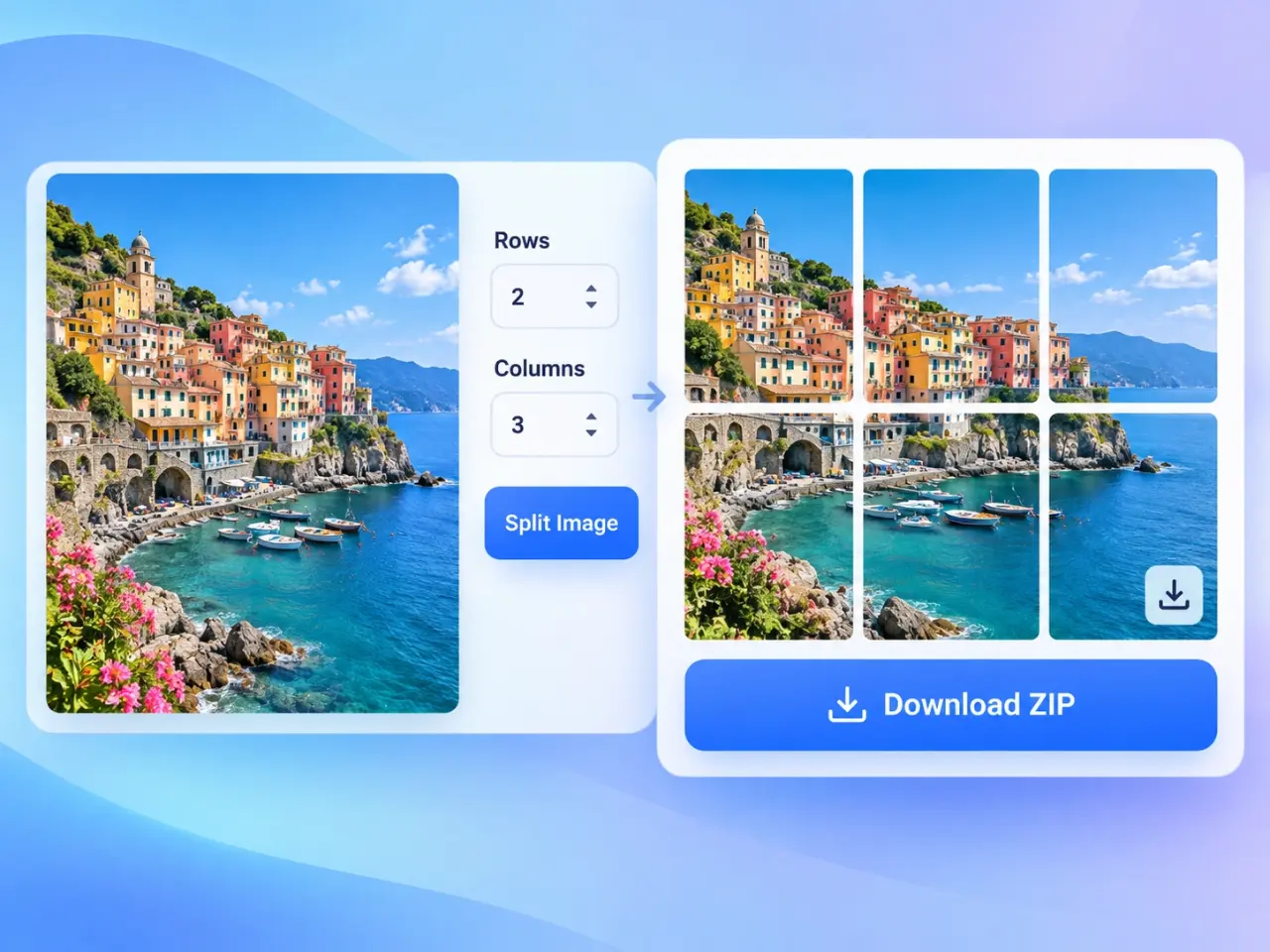
Drag and drop a photo, browse your device, or choose a sample image to begin.
Pick a preset such as 2 × 2 or 3 × 3, or choose up to 20 rows and 20 columns.
Check the grid overlay, adjust the layout if needed, then select Split Image.
Download one tile at a time or save the complete set in a single ZIP file.
Use the image splitter for Instagram to turn one large design into a 3 × 3 set of posts that forms a complete profile-grid image.
Split a wide photo into matching vertical sections for a continuous carousel that viewers can explore one frame at a time.
Choose the 1 × 2 preset for two side-by-side pieces, or use 2 rows and 1 column when you need a top and bottom half.
Create evenly sized picture pieces for classroom activities, printable puzzles, collages, mood boards, and design mockups.
Start with common layouts or choose from 1 to 20 rows and columns for precise control over the number of pieces.
See the dividing lines over your original image before creating the tiles, so you can protect faces, text, and important details.
Your image is processed locally in your browser and is not sent to an imglab server.
Save a single tile when that is all you need, or download the complete, clearly named PNG, WebP, AVIF, or JPG set in one ZIP file.
Use the preview grid to keep important faces, logos, and text away from dividing lines. Start with a high-resolution source so every tile stays clear. For an Instagram profile grid, plan the posting order before uploading; profile layouts may require you to publish the bottom-right tile first so the final grid appears in the intended order.
Yes. Select Split in half for two equal left and right pieces. For equal top and bottom pieces, choose Custom grid and set 1 column with 2 rows.
Yes. The 3 × 3 preset is useful for profile grids, while the 1 × 3 preset can prepare three matching vertical sections for a panoramic carousel. Always check the current image size and posting-order guidance in Instagram before publishing.
The tool distributes the available pixels across the selected rows and columns without leaving gaps. Edge tiles may differ by a single pixel when the original dimensions cannot be divided evenly.
Yes. Splitting happens locally in your browser. The image you choose is not uploaded to or stored on an imglab server.
You can save the split pieces as PNG, WebP, AVIF, or JPG. Download tiles individually or collect the complete set in one ZIP file.